Which questions does this guide answer?
- How can a Saudi B2B company tell a form fill apart from a qualified or closed lead in Google Ads?
- Who should own the website event, the CRM stage and the conversion upload?
- When should a sales-outcome conversion become primary, and when should it stay secondary?
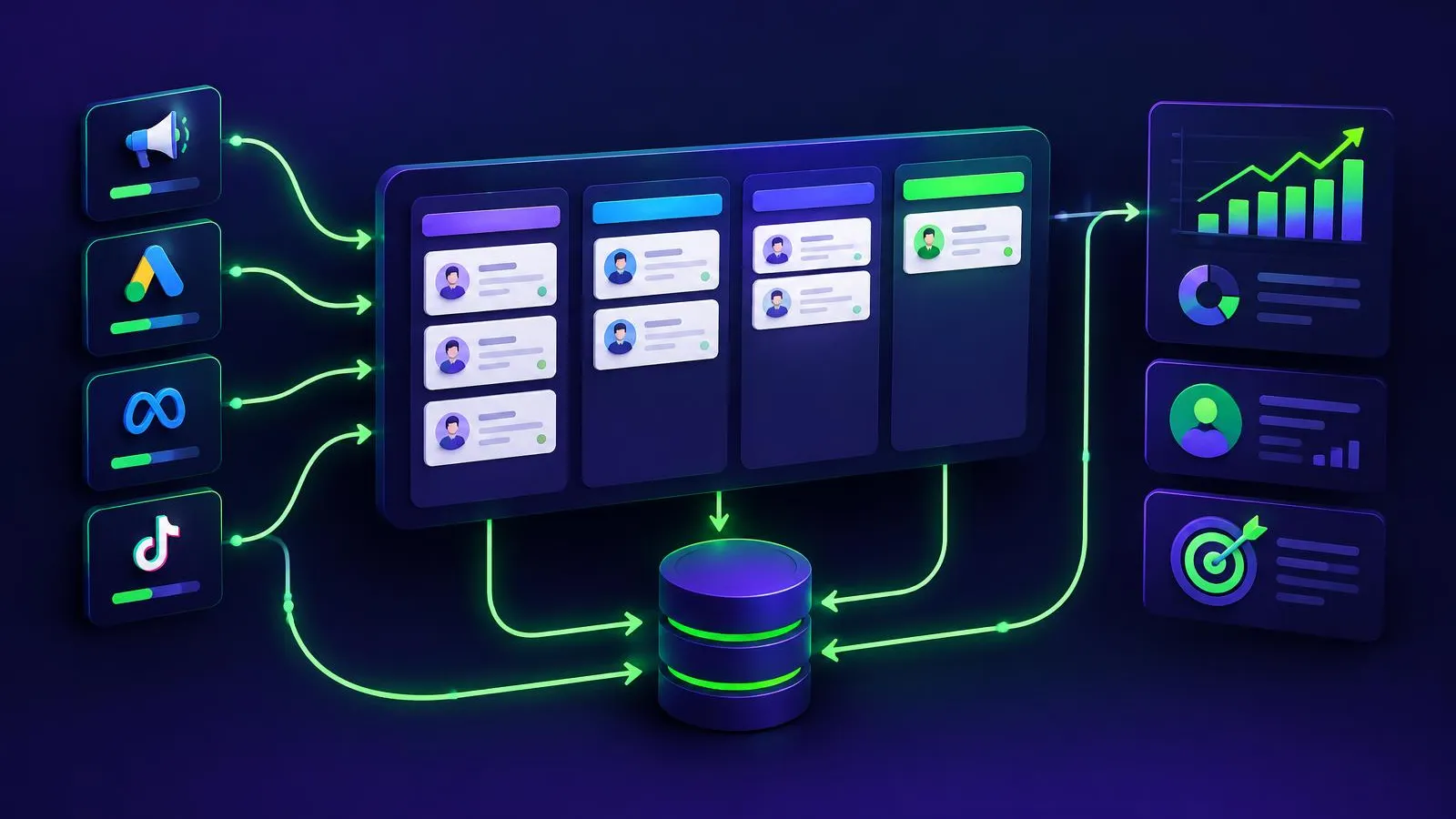
A Saudi B2B company connects Google Ads to the sales outcome by keeping the form submission as one signal, recording qualification and closure in its CRM with a stable lead identifier, and importing those later stages back into Google Ads as separate conversion actions. Google describes two related routes: offline conversion import and enhanced conversions for leads, which supplements imported data with hashed user-provided data. Neither route guarantees better leads, and neither proves that an advertisement caused a sale. They make the reporting more complete so that people can make better-informed decisions.
Begin with a procurement-safe scope
Before anyone edits a tag, write a short scope that procurement, legal, sales and marketing can all read. It should name the business question, for example: "Which campaigns produce leads that sales accepts as qualified?" It should also list the systems involved, the data fields to be shared, and the person who approves each change.
Google's setup guidance for enhanced conversions for leads asks advertisers to review and confirm that they can comply with Google's customer data policies. Treat that as a required review step, not a formality. Obligations differ between organizations, sectors and contracts, so confirm your own privacy, consent and data-transfer requirements with your advisers. This guide does not provide legal or compliance advice for the Kingdom.
Assign one owner to each layer
| Layer | Owner | Acceptance evidence |
|---|---|---|
| Website form and Google tag | Web or analytics lead | Test submission recorded once, with the expected lead ID |
| Consent and customer-data review | Privacy or legal reviewer | Written approval of fields, purpose and retention |
| CRM stages and definitions | Sales operations | Documented meaning of qualified, won and lost |
| Conversion import | Paid media or marketing operations | Upload log with accepted, rejected and duplicate rows |
| Monthly reconciliation | Marketing and sales together | Signed note explaining any differences |
When one person owns everything, errors stay hidden. When nobody owns the import, it quietly stops.
Keep identifiers stable
Every enquiry needs a lead ID created once and carried from the form into the CRM record. Google notes that including the Google Click ID (GCLID) with uploaded events helps accuracy where it is available, and that it is required if you are not using a tag to collect user-provided data. Store the GCLID in a hidden form field or in the CRM at the moment of submission; do not try to reconstruct it later.
Google also lists an order ID as a field that helps control duplicate leads. Use your own lead ID for that purpose consistently. If a salesperson merges two CRM records, decide which ID survives and record the merge, so that the same opportunity is not uploaded twice.
Name conversions and timestamps deliberately
Use clear, stable conversion names that describe the business stage, such as "Lead - form submitted", "Lead - sales qualified" and "Lead - closed won". Avoid names that change with each campaign. Record the time each stage actually happened in the CRM, not the time someone exported a spreadsheet. Agree one time zone convention in writing and apply it to every upload, because a mismatched timestamp can make a stage look earlier or later than it was.
If you also measure the form on the website, Google Analytics offers recommended lead events such as generate_lead, qualify_lead and close_convert_lead in its event reference. Using recognisable names helps analysts compare definitions across systems, but it does not remove the need for the CRM to remain the record of sales stages.
Choose primary and secondary actions carefully
Google's offline conversion guidance warns that configuring actions as primary (used for bidding) or secondary (observation only) is critical, because a wrong setting can prevent Smart Bidding from optimising effectively. A practical approach is to keep a new qualified-lead action as secondary while you confirm that uploads are complete and timely. Promote it only after the team agrees the stage definition is stable and the volume is consistent enough to review. Google's overview of different ways to track conversions helps you check which action type fits each signal, such as website actions or phone calls.
Pre-launch checklist
- The business question and stage definitions are written and approved.
- Customer-data policy review is complete and recorded.
- Lead ID and, where applicable, GCLID are stored at submission.
- Conversion names, time zone and upload frequency are documented.
- A test lead moves from form to CRM to upload without duplication.
- Each new sales-stage action starts as secondary, with a named date for review.
Run a reconciliation cadence
Each month, compare four counts for the same period: forms received, leads in the CRM, qualified leads, and imported qualified conversions. Explain every gap in plain words: spam, duplicates, missing identifiers, late stage updates or rejected rows. Rising qualified conversions is an observation, not proof that a campaign caused them. For a broader view of CRM ownership, read connecting Saudi CRM outcomes to advertising and our guide to lead scoring and sales handoffs.
Decide the next step
If your form data cannot yet be tied to a sales stage, start with identifiers and definitions before changing bidding. Talk to Kitely about a lead-quality measurement review, and bring your current form fields, CRM stages and a recent export with personal details removed.