Which questions does this guide answer?
- How should an Egyptian service business track form, click-to-call and WhatsApp enquiries in GA4?
- Which event names, fields and source conventions belong in a lead measurement plan?
- How do you reconcile GA4 with the sales team's CRM without overstating what analytics can prove?
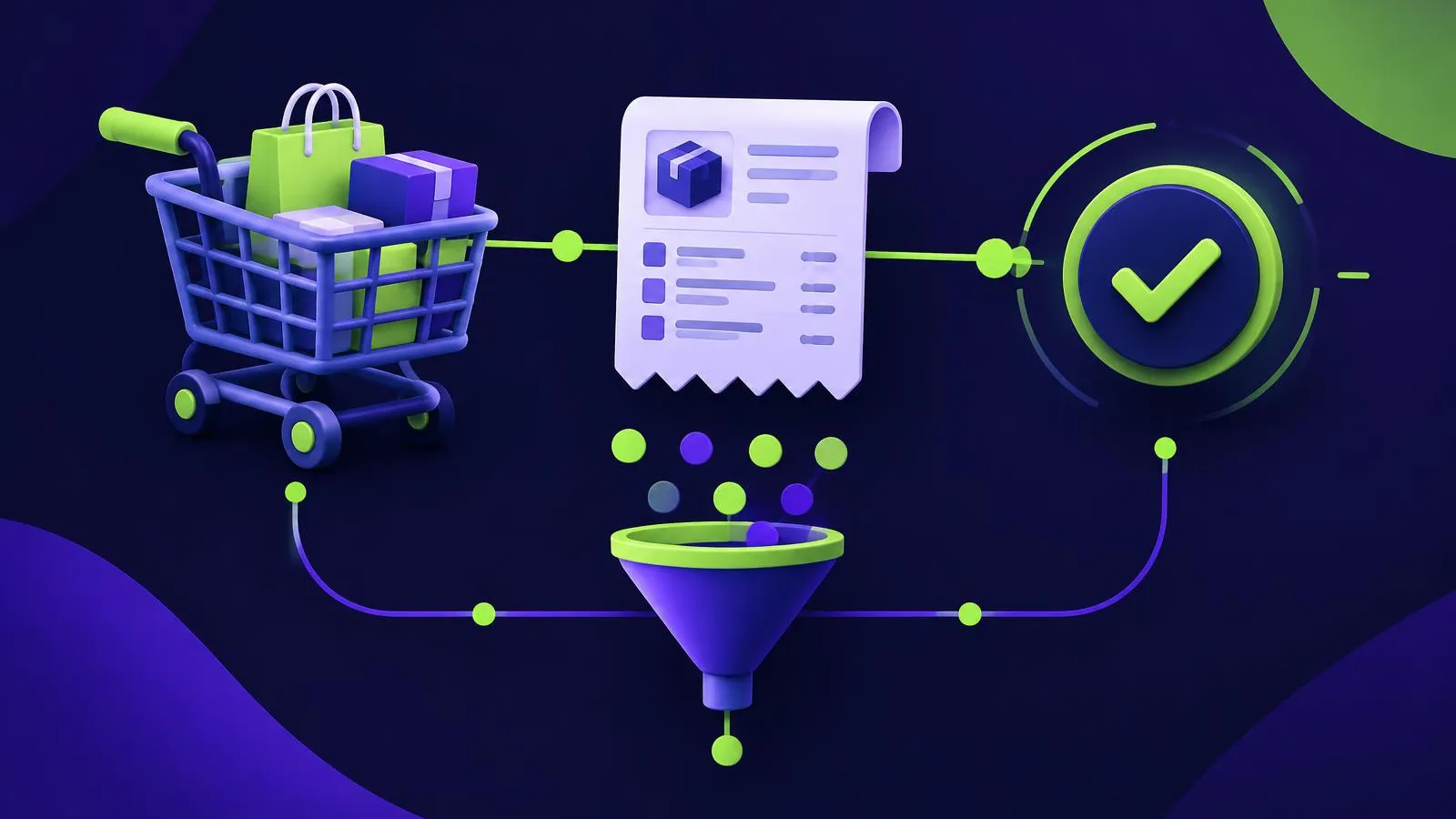
An Egyptian service business gets clean lead-generation tracking in GA4 by agreeing a short measurement plan before tagging: one event register for every enquiry route, consistent source and UTM conventions, no personal details in analytics, and a weekly reconciliation against the CRM where sales qualification is recorded. GA4 can show which visits and channels preceded an enquiry. It cannot, on its own, attribute closed revenue, because the sales outcome usually happens later in conversations and systems that GA4 does not see.
Write the event register first
A register is a single table that the marketing, web and sales teams all accept. It lists each enquiry route, the event name, when it fires and who owns it. Google's events guide distinguishes automatically collected, enhanced measurement, recommended and custom events. Prefer a recommended event where one fits, because its name and parameters are already documented.
The GA4 event reference lists generate_lead for a submitted lead, along with lead-stage events such as qualify_lead, working_lead, disqualify_lead, close_convert_lead and close_unconvert_lead. Use generate_lead for the website enquiry and keep later stages in the CRM unless your team has a reliable way to send them.
| Enquiry route | Event | Fires when | Key parameter | Owner |
|---|---|---|---|---|
| Contact form | generate_lead | Server confirms a valid submission | lead_source = form | Web team |
| Click-to-call | custom click_to_call | Visitor taps a phone link | page location | Web team |
| WhatsApp button | custom whatsapp_click | Visitor taps the WhatsApp link | page location | Web team |
| Sales qualification | CRM stage | Salesperson marks the lead qualified | lead ID | Sales operations |
Call and WhatsApp taps show intent, not a completed conversation. Label them clearly so nobody reports a tap as a lead.
Keep personal data out of GA4
Never place names, email addresses or phone numbers in event names, parameters or page URLs sent to GA4. Generate a non-personal lead ID at submission, store the person's details only in the CRM, and use that ID if you need to match records later. Review consent handling with whoever is responsible for privacy in your organisation; requirements vary, and this guide is not legal advice. If consent choices affect when tags may load, document that behaviour in the register so the counts are interpreted correctly.
Agree source and UTM conventions
Inconsistent campaign links create reporting disputes. Decide one lowercase format for utm_source, utm_medium and utm_campaign, publish it, and check new links against it before launch. Our guide to UTM naming governance in Egypt explains how to run that register. Store the source captured at submission in a hidden form field, so the CRM keeps it even if the visitor returns later through another channel.
If you also advertise on Google Ads, its overview of different ways to track conversions helps you decide whether a website action, a phone call or an imported offline stage is the right conversion for each route.
Pre-launch checklist
- The event register is approved by marketing, web and sales.
generate_leadfires once per valid submission, not on button clicks or failed validation.- Call and WhatsApp events are labelled as taps.
- No personal data appears in any event, parameter or URL.
- UTM conventions are published and tested on live links.
- Every event is checked in DebugView with debug mode enabled on a test device.
- The lead ID appears in both the form confirmation and the CRM record.
Weekly review protocol
Hold a short meeting with one marketing owner and one sales owner. Review the same date range in both systems:
- Enquiries by route in GA4: forms, call taps and WhatsApp taps.
- New leads created in the CRM, and how many arrived without a source.
- Leads qualified or disqualified by sales, with the main reasons.
- Differences between GA4 form events and CRM form leads, each explained as spam, duplicates, tagging gaps or consent effects.
- One agreed action for the coming week.
Treat channel comparisons as observations. A channel with more qualified leads did not necessarily cause them; seasonality, offers and sales follow-up speed also matter. For deeper cohort analysis, read measuring lead quality with cohorts.
Decide the next step
A clean plan is short, owned and reviewed every week. If your enquiries arrive through forms, calls and WhatsApp but nobody can say which became qualified, ask Kitely for a measurement plan review. Bring your current event list, campaign links and the CRM stages your sales team uses.